
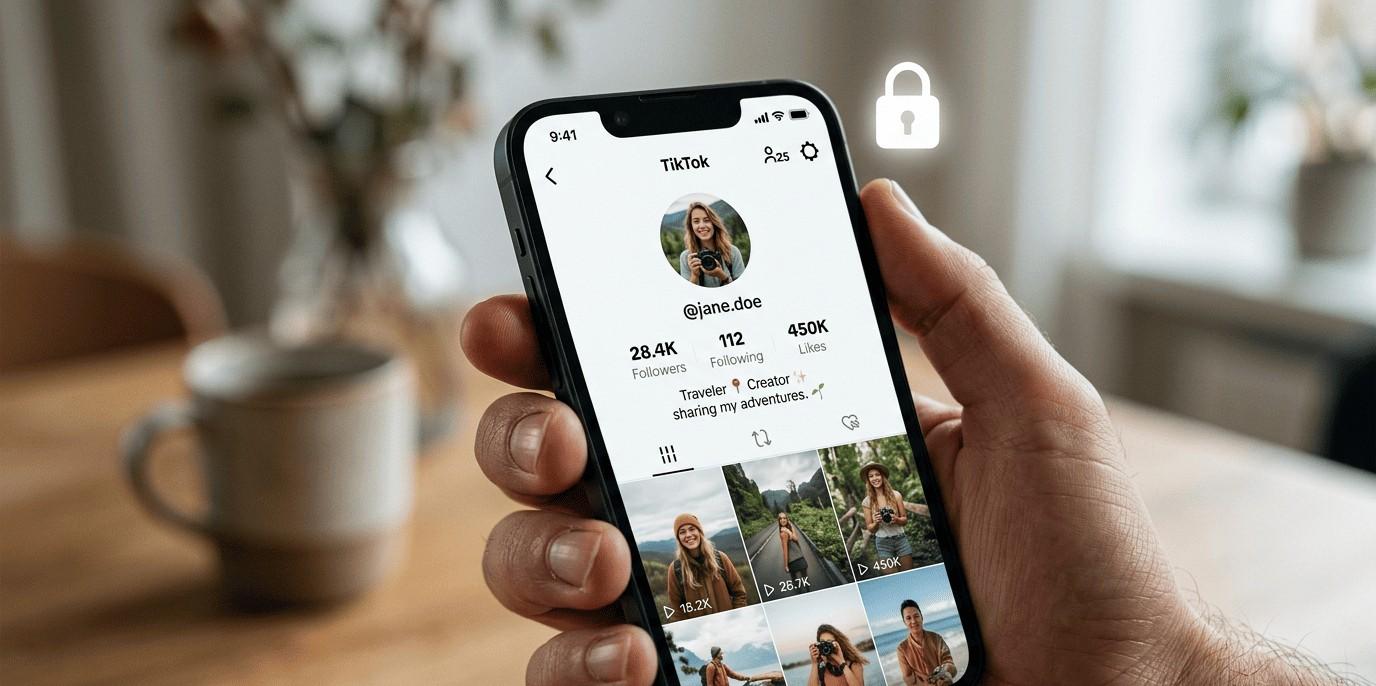
How to Turn Off Profile Views on TikTok (Step-by-Step) ?
- Open TikTok: Launch the TikTok app on your phone. Make sure you’re logged into your account.

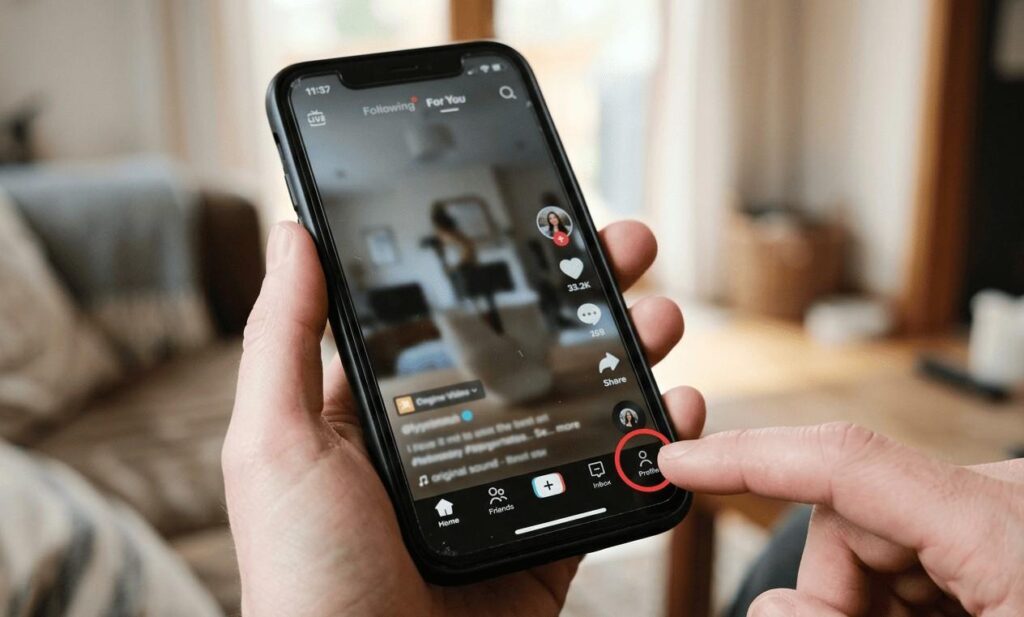
- Go to your profile: Tap the profile icon in the bottom right corner. This will take you to your main profile page.
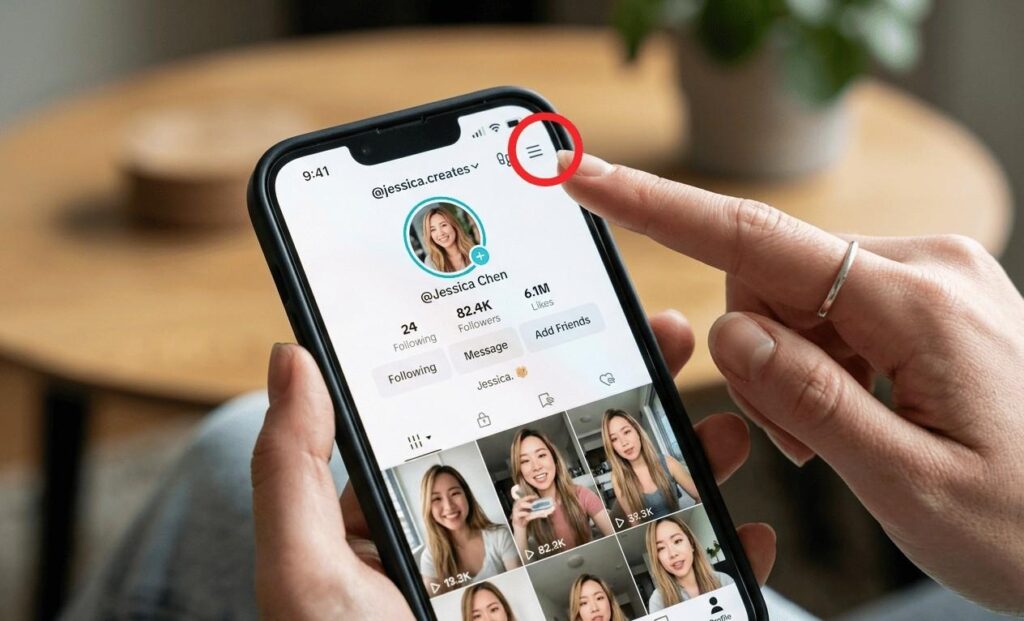
- Tap the menu (☰): Look at the top right corner and tap the three-line menu icon. This opens your settings options.
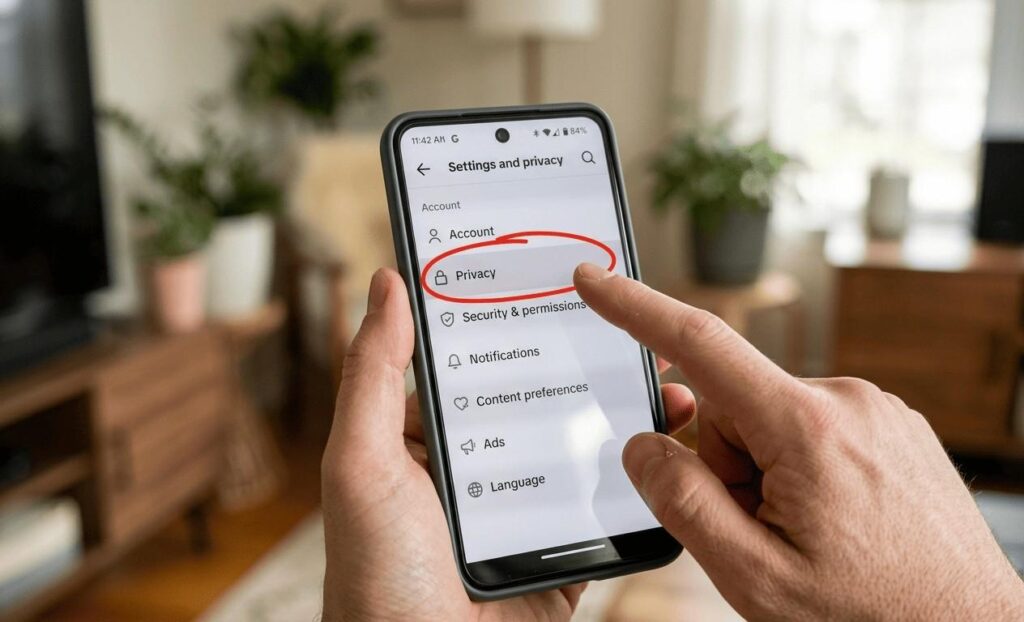
- Go to Settings and Privacy: From the menu, select “Settings and Privacy.” This is where all account controls are located.
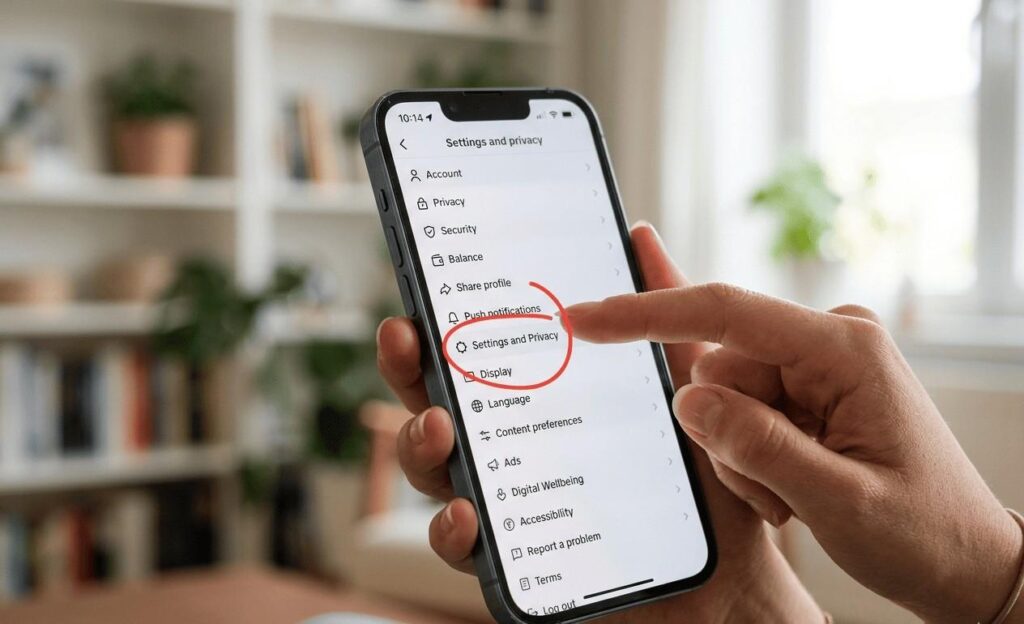
- Tap Privacy: Scroll a bit and tap on “Privacy.” This section manages who can see your activity.
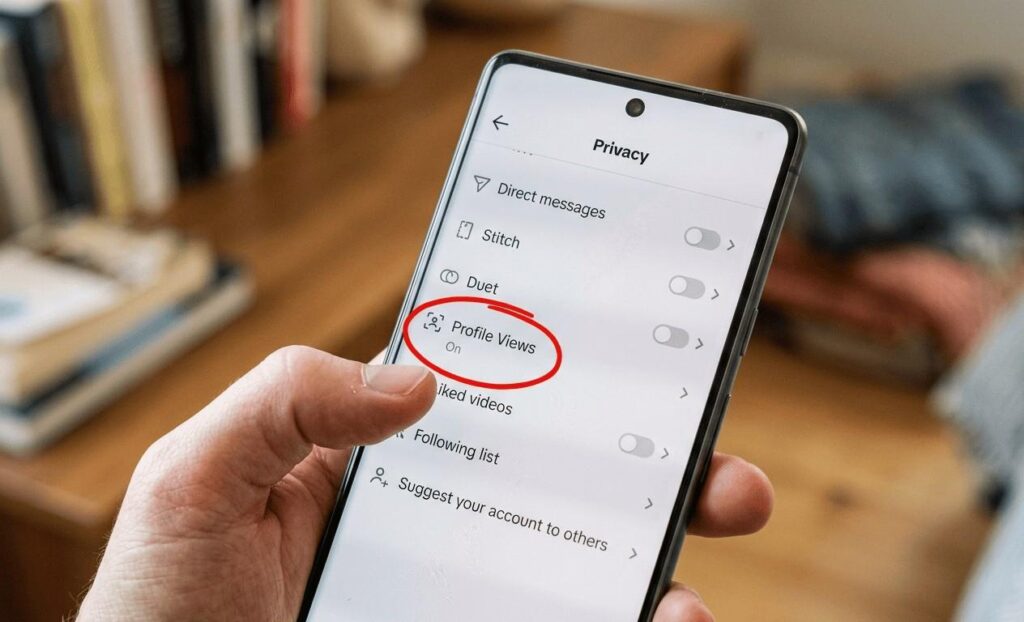
- Select Profile Views: Find and tap “Profile Views.” Here you’ll see the profile view history setting.
- Turn OFF the toggle: Simply switch off the toggle to disable profile view tracking. It will stop sharing your profile visits.
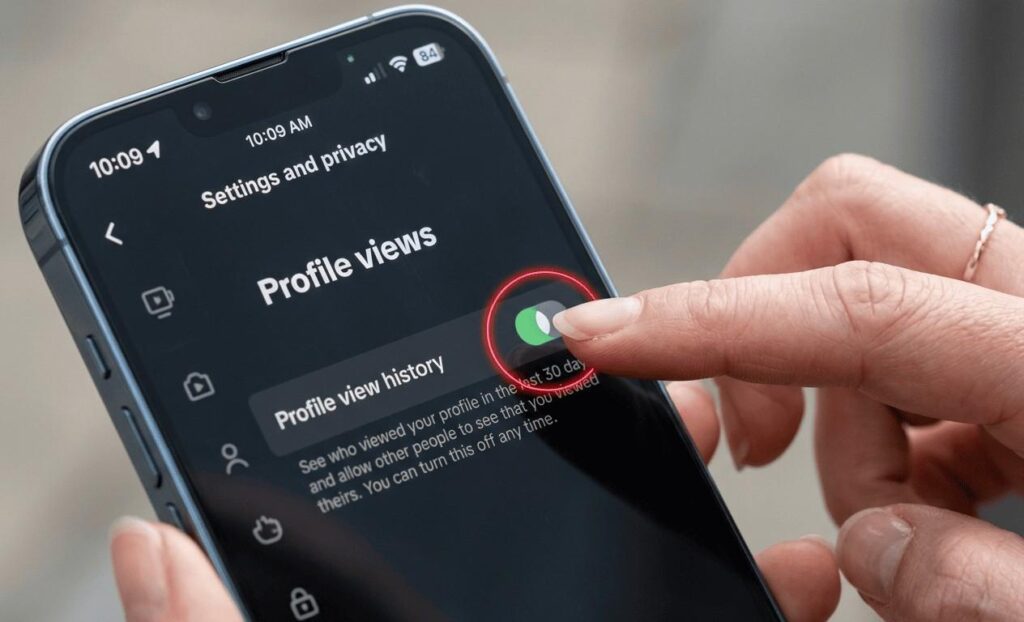
That’s it your TikTok profile view history is now turned off. You can turn TikTok profile views back on or off anytime from the same settings.