

Want to update your TikTok profile picture but not sure how? Don’t worry you can do it in less than a minute. Here’s the quickest way to change your photo and give your profile a fresh new look.
Change Profile Picture on TikTok (Step By Step)
Open TikTok: Launch the TikTok app on your phone and make sure you’re logged into your account.
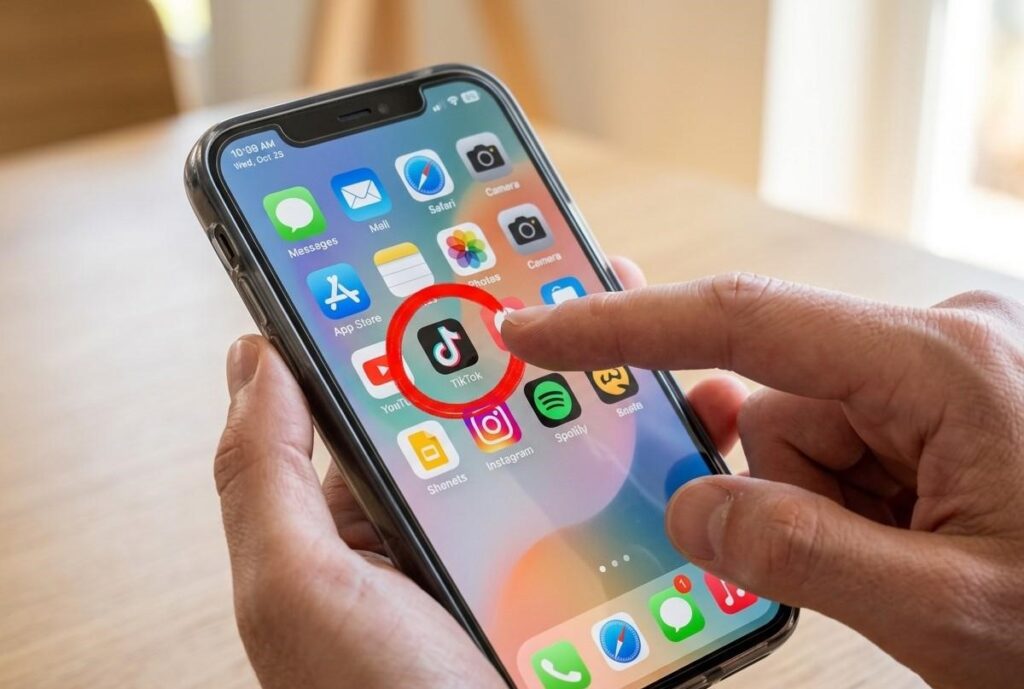
Go to Your Profile: Tap the Profile icon in the bottom-right corner of your screen to open your profile page.

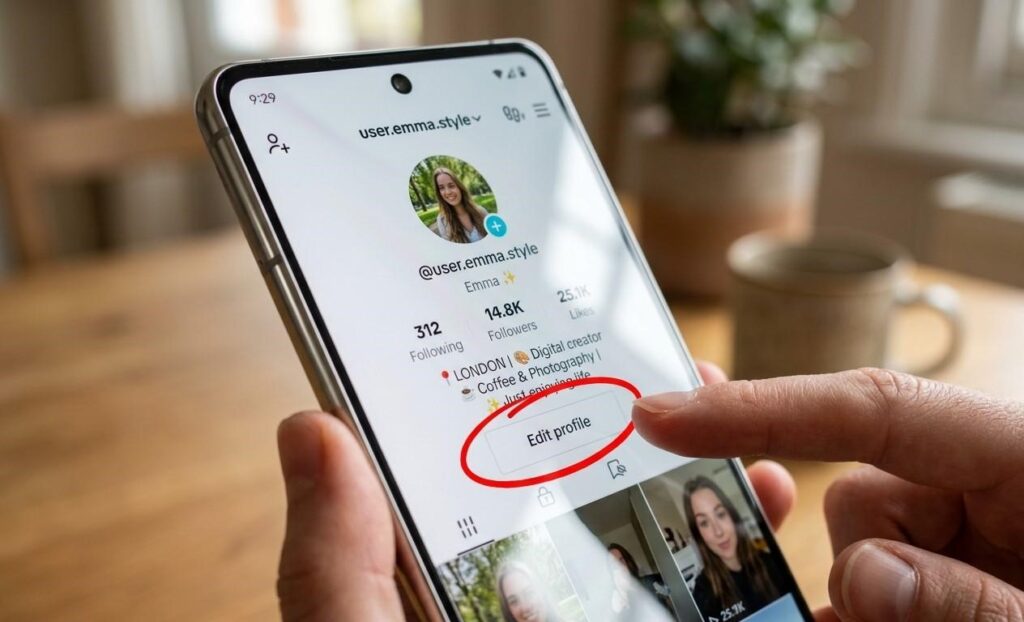
Tap “Edit Profile”: You’ll see this option under your bio tap it to access your profile settings.
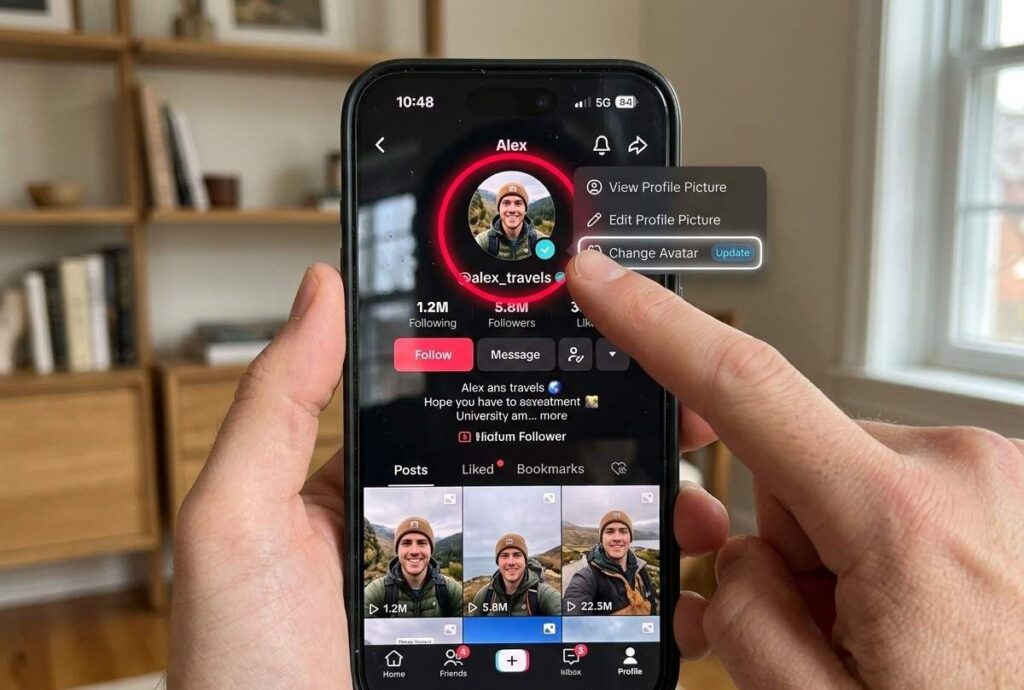
Tap Your Profile Photo: Tap your current picture, then choose “Change Photo” from the options.
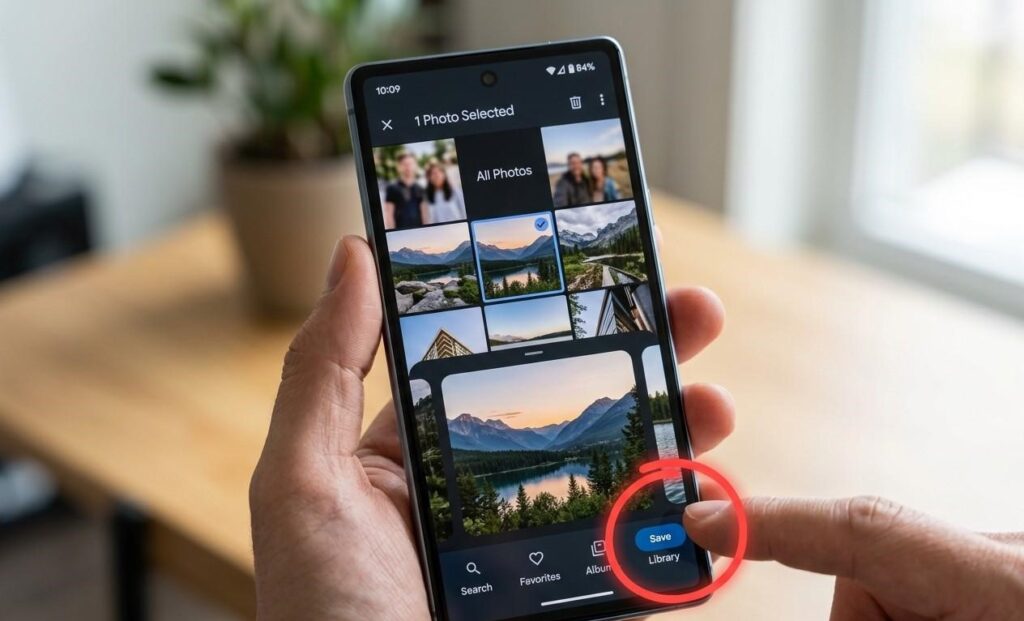
Upload a New Picture: Select a photo from your gallery or take a new one, adjust it if needed, then tap Save to update it.
And that’s it! You now know how to change your profile picture on TikTok, and your new photo is all set.