

Want to ditch your TikTok profile pic and go clean or anonymous? No cap TikTok doesn’t straight-up let you delete it, but we’ll show you the real way to make it disappear or swap it out in just a few quick taps. Let’s get it done, fast and simple.
Step‑by‑Step: Remove Your TikTok Profile Picture
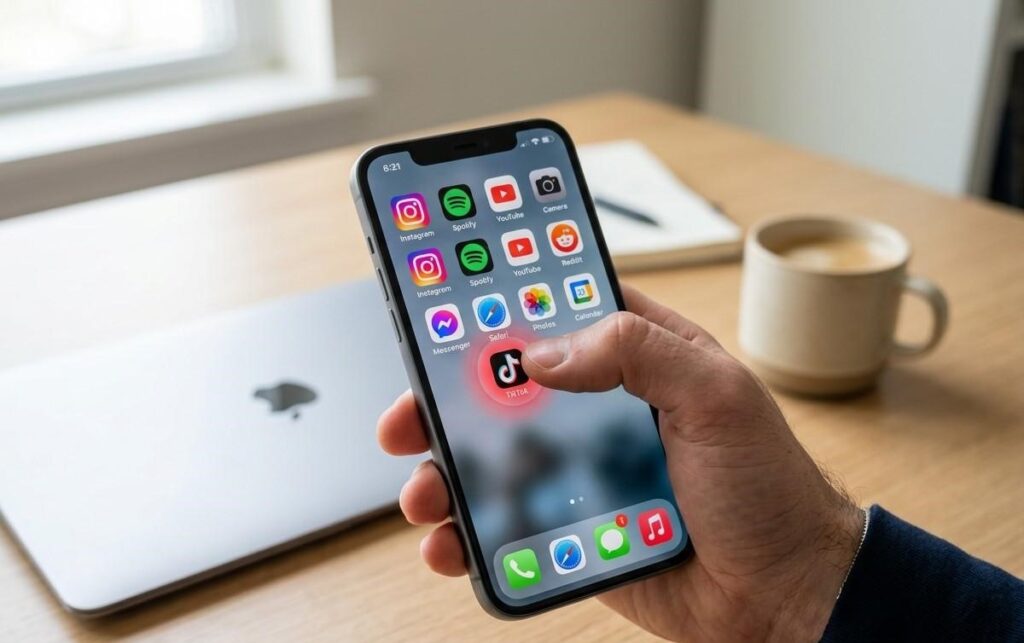
Open the TikTok app:
Make sure you’re logged into the account you want to edit — this only works in the official app.
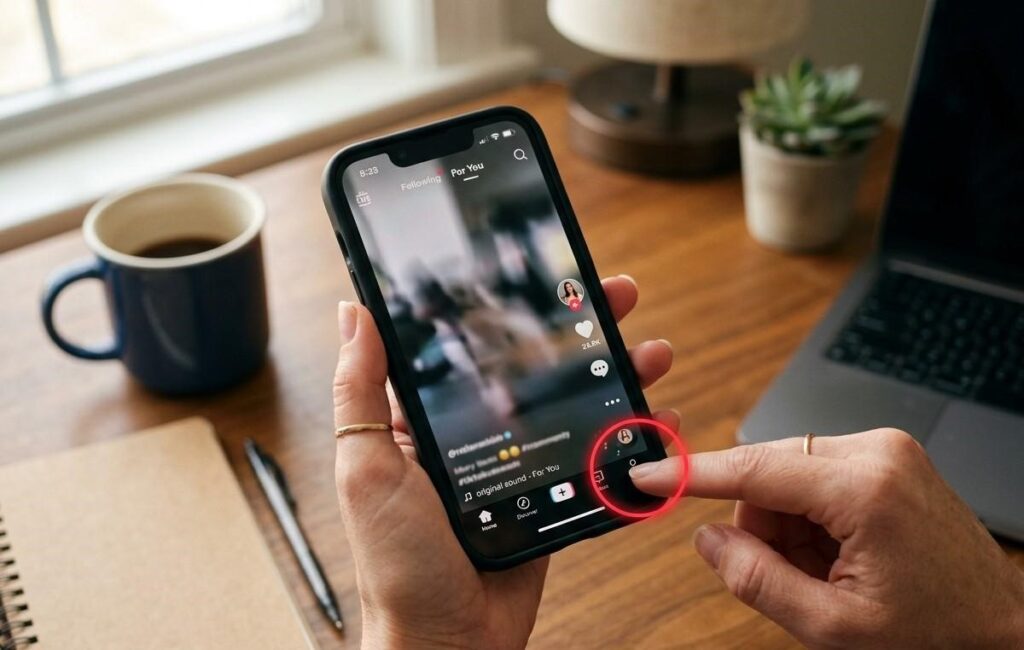
Go to your profile:
Tap the little Profile icon at the bottom right.
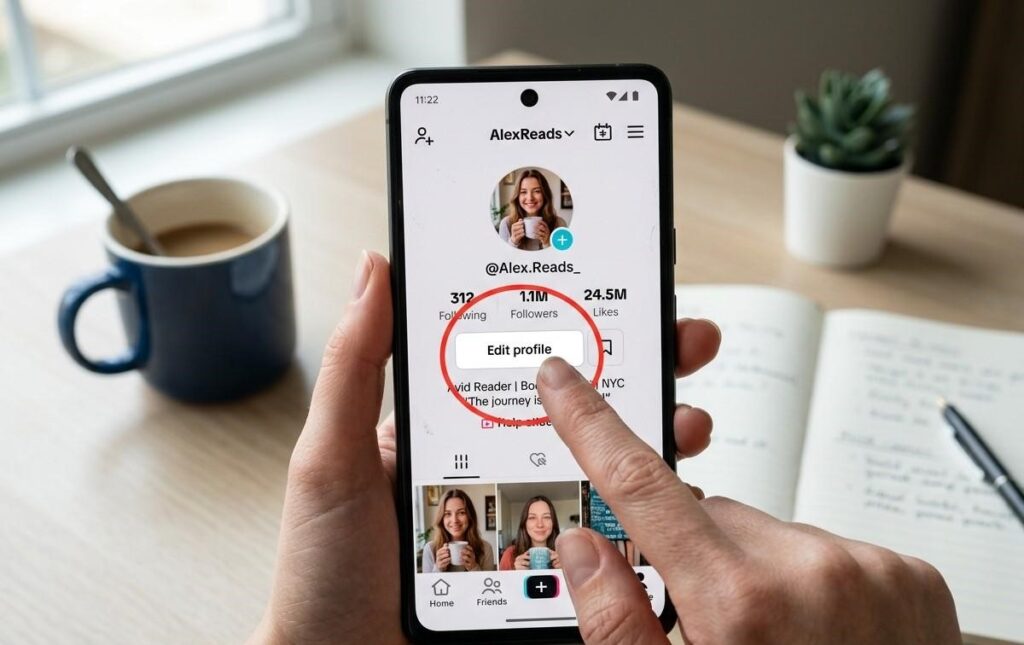
Tap “Edit profile”:
This button sits right under your profile pic and opens all your profile settings.
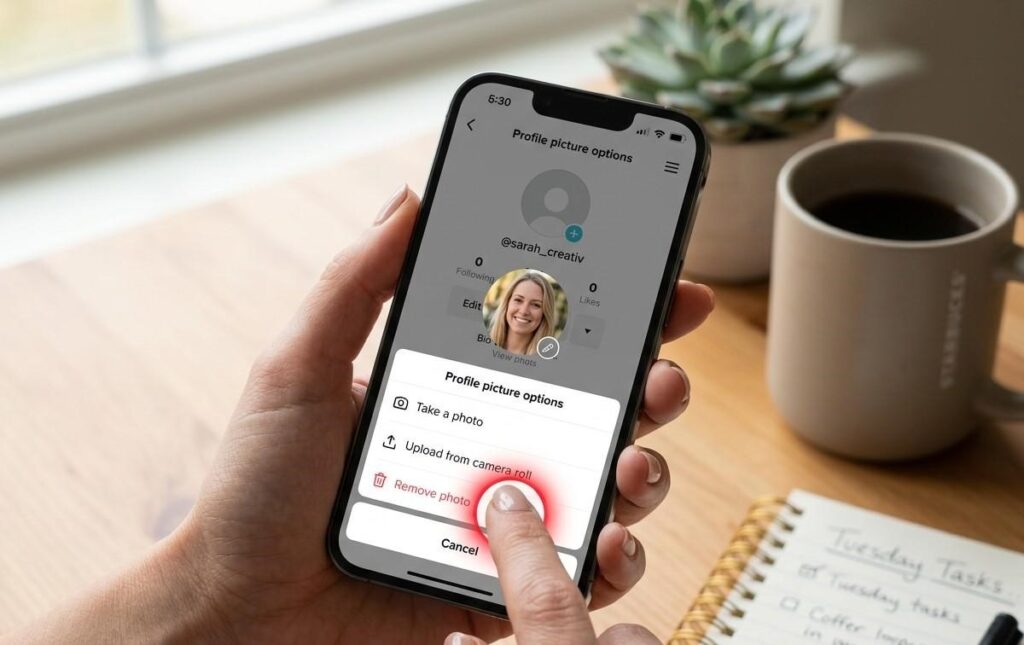
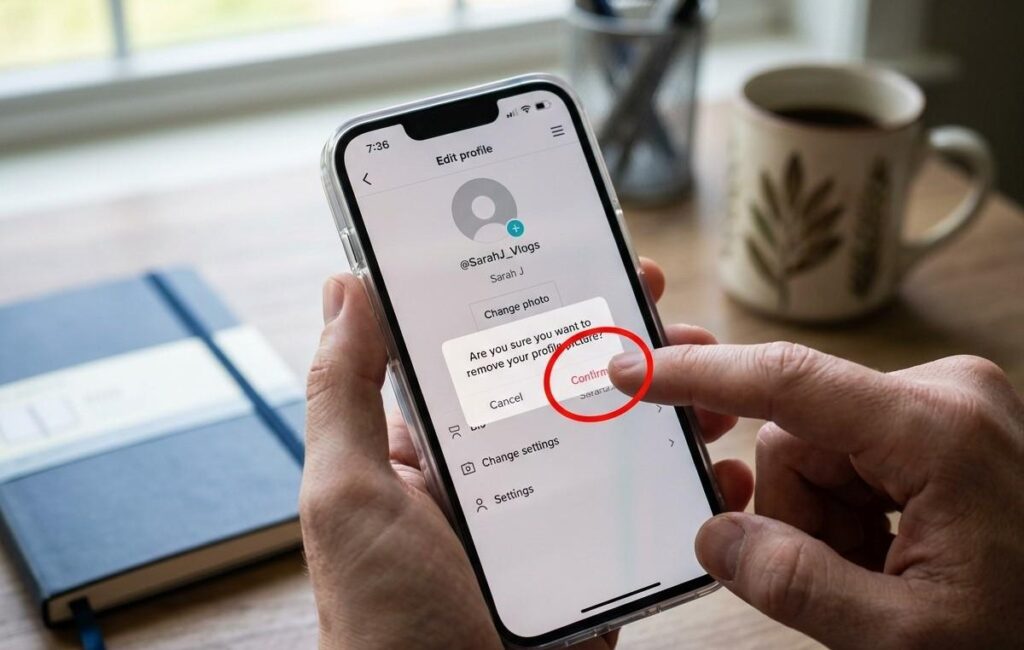
Tap your picture or “Change photo”:
A menu pops up with options like Take photo, Upload from device, and sometimes remove photo depending on your app version.

Remove or replace your pic:
If you see “Remove photo”, tap it TikTok will instantly revert to the default blank avatar.
If you don’t see “Remove photo,” choose Upload from device → select a completely plain/blank image or a generic avatar you downloaded (like the default TikTok silhouette). This effectively gets rid of your personal picture.
Confirm and exit:
TikTok usually saves changes automatically, but if you see a Save/Confirm button, tap it. Then check your profile.
And that’s it your TikTok profile picture is gone, just like that!