
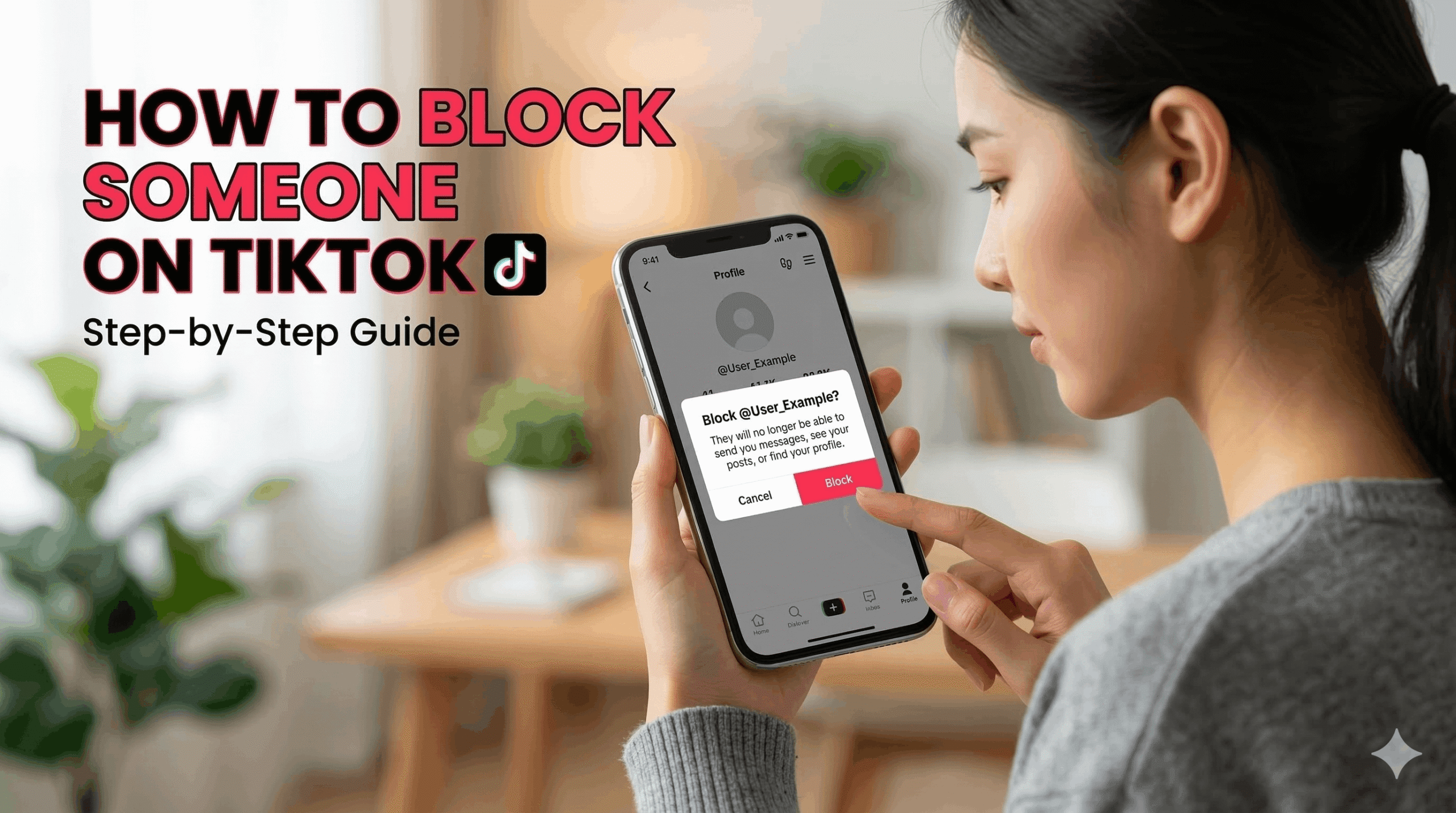
TikTok is a popular platform where people watch and share short videos. Sometimes, you may not want to interact with a specific user. In this case, the block feature helps protect your privacy. When you block someone, that person can no longer view your profile, watch your videos, or interact with your content. It is a simple way to stop unwanted messages, comments, or activity. Once you block a user, your account becomes hidden from them. This helps you keep your experience safe and comfortable while using the platform.
To Block Someone on TikTok (Step-by-Step)
Follow these steps to block someone on TikTok:
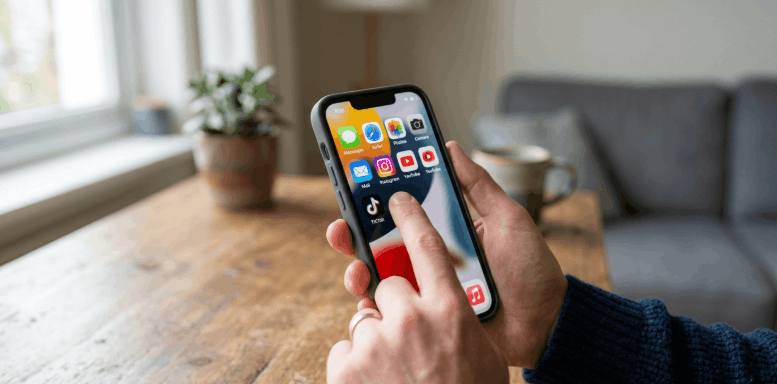
Open the TikTok app
Launch the app on your device and make sure you are logged in.
Go to the user’s profile
Search for the person or open their profile from a comment, message, or video.
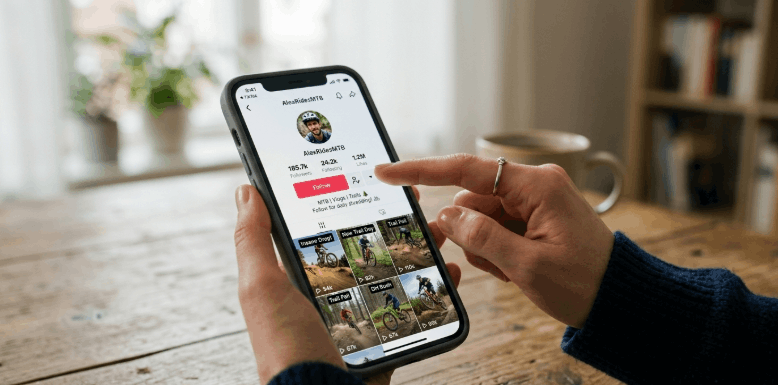
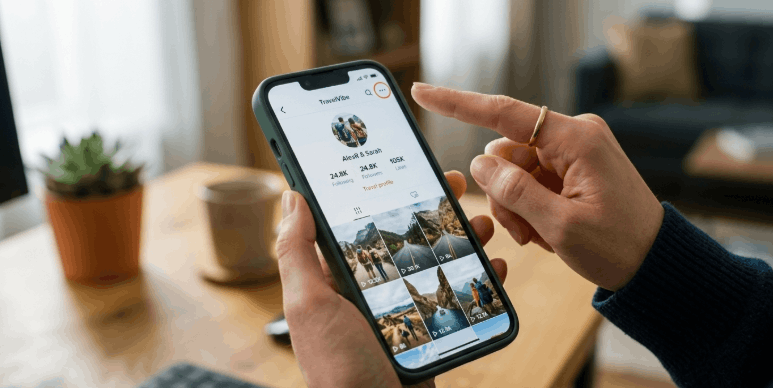
Tap the share or menu icon
On the profile page, tap the share arrow or three-dot menu in the top corner.
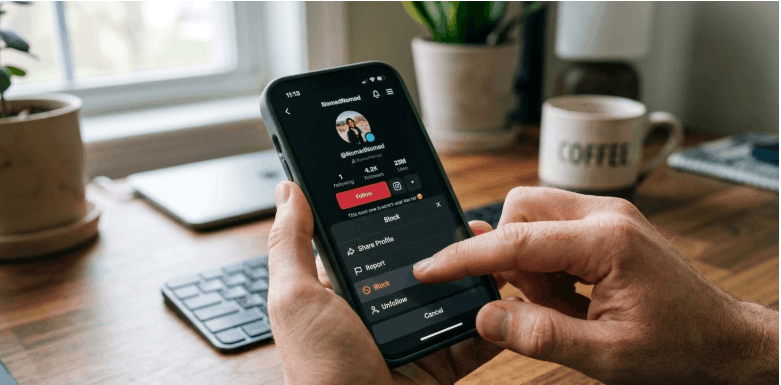
Select the Block option
Scroll through the menu and tap Block.
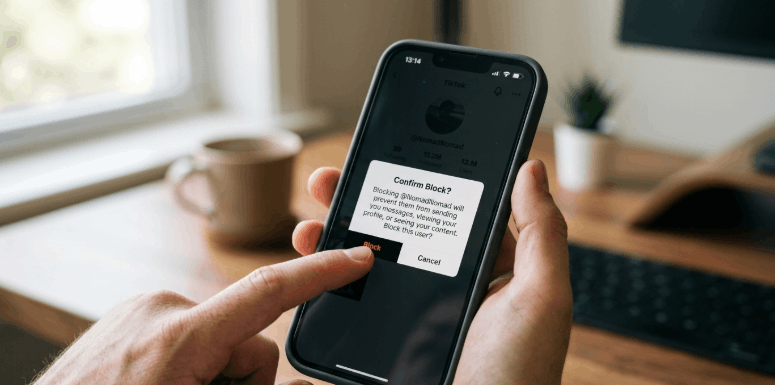
Confirm your action
Tap Block again to confirm. The user will be blocked immediately.
Why You Might Want to Block Someone on TikTok
Sometimes, you may want a safer and more comfortable experience on TikTok. Blocking a user can help you avoid unwanted interaction and protect your privacy.
Here are some common reasons why people block someone on TikTok:
1. To stop harassment or negative comments
Some users leave rude or harmful comments. Blocking them prevents further interaction with your content.
2. To avoid spam accounts
Spam profiles may send repeated messages or post unwanted links. Blocking these accounts keeps your account cleaner.
3. To protect your privacy
You may not want certain people to see your videos or profile. Blocking ensures they cannot access your content.
4. To control your online space
Blocking gives you more control over who can interact with you on the platform.