Going live on TikTok is simple and takes only a few taps. You can start your live stream directly from the app without any complex setup. Just follow the steps below to go live quickly.
How to Go Live on TikTok Step-by-Step Process
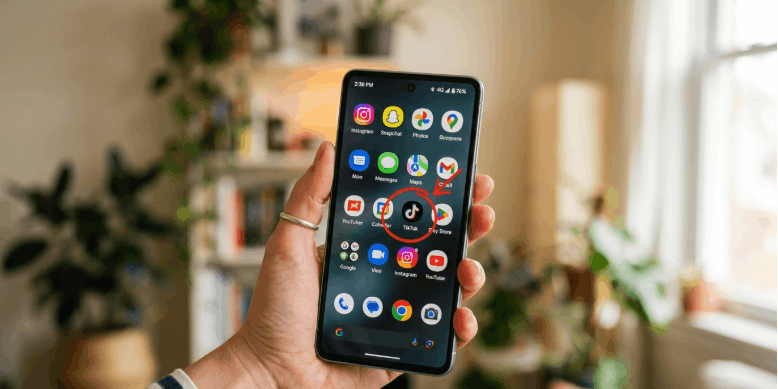
Open TikTok app
Open the TikTok app on your phone. Make sure you are logged into your account.
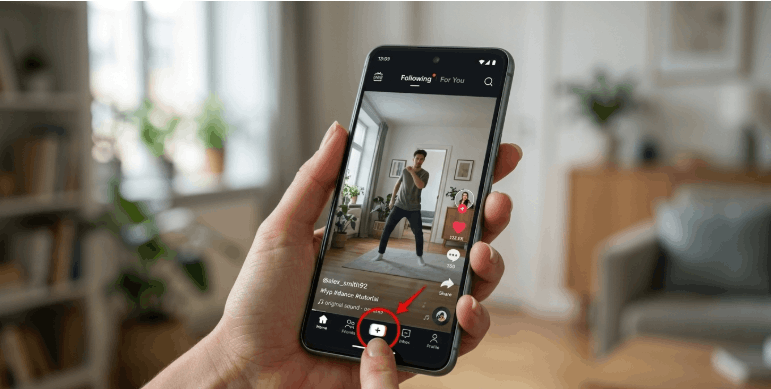
Tap the plus (+) buttonTap the plus (+) button at the bottom of the screen. This opens the content creation area.
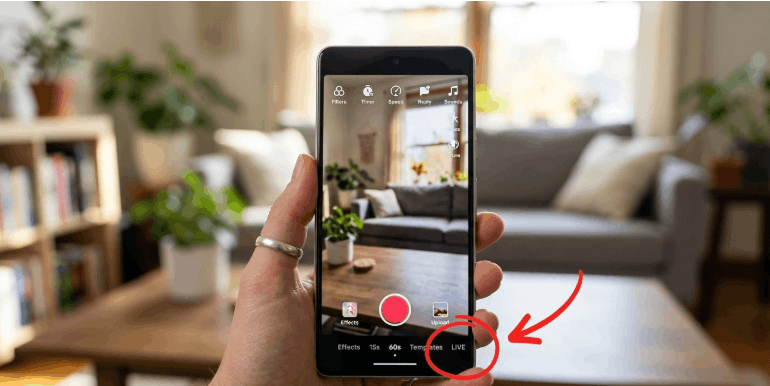
Swipe to LIVE option
Swipe through the options at the bottom until you see LIVE. Select it to move to the live setup screen.
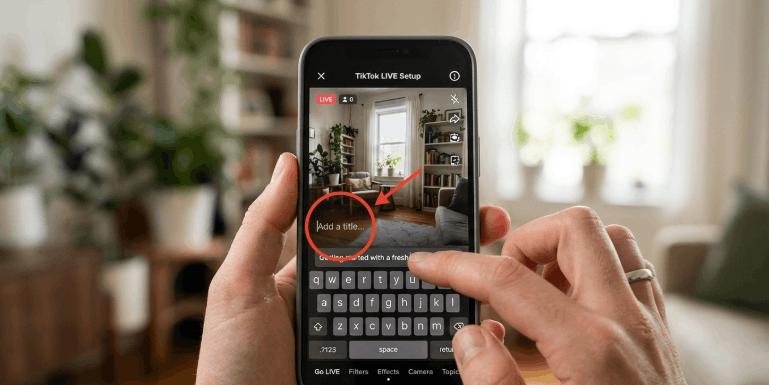
Add a title
Enter a short title for your live stream. This helps viewers understand what your live is about.
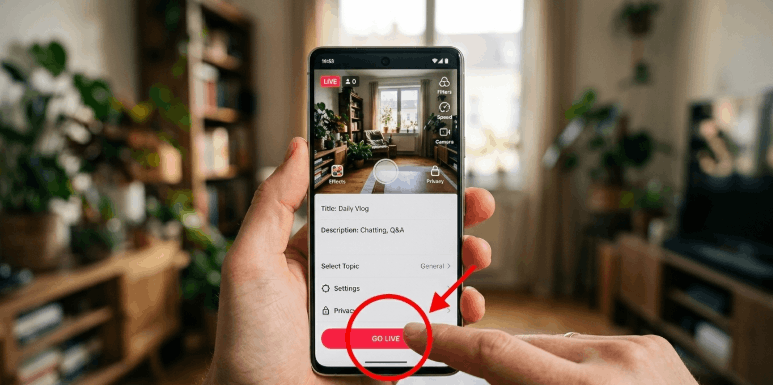
Tap Go Live
Tap the Go Live button to start your live stream instantly. You are now live on TikTok.