
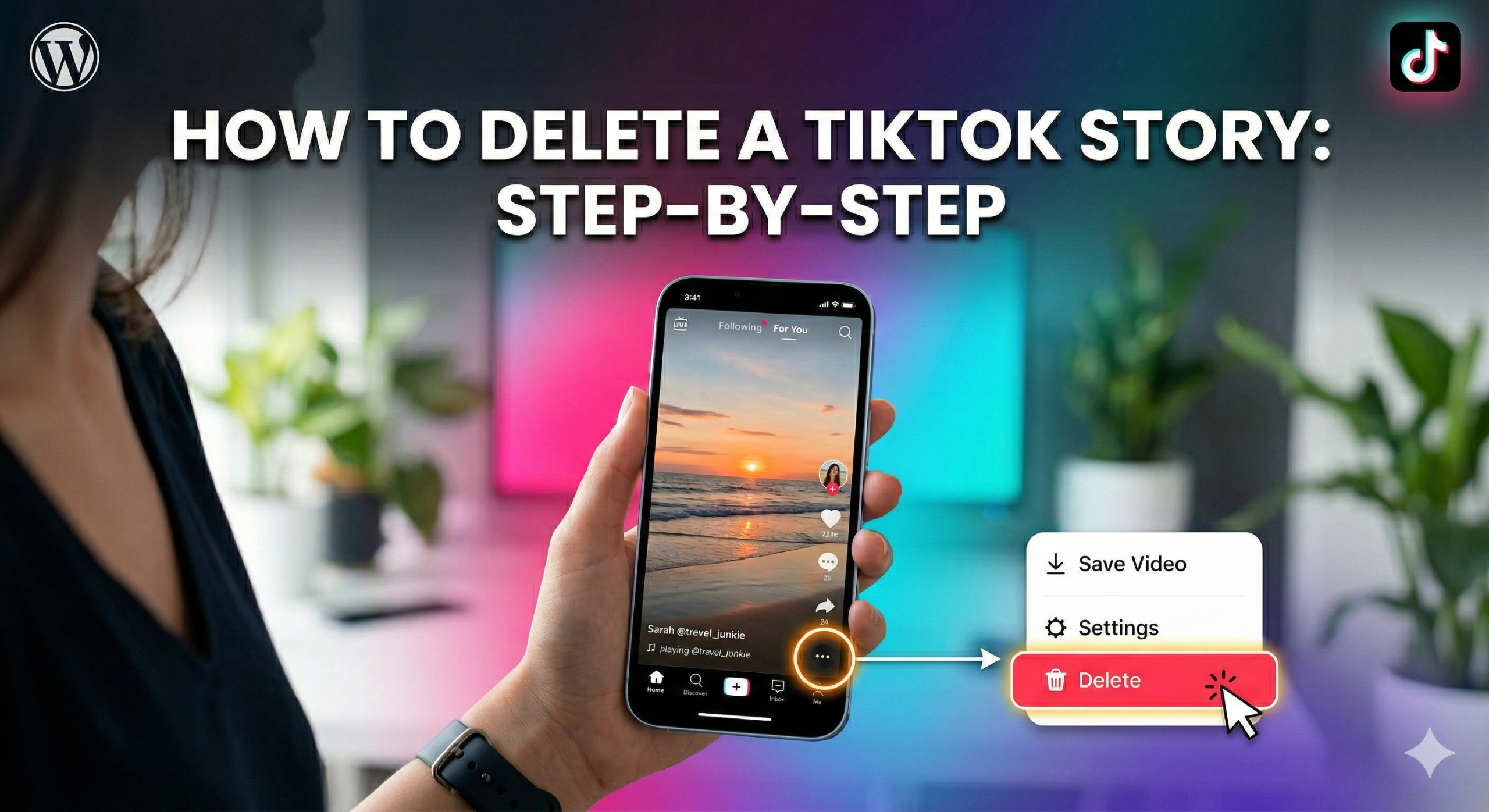
Steps to Delete Your TikTok Story
Open TikTok: Launch the TikTok app on your phone. Make sure you’re logged in to the account that posted the story.
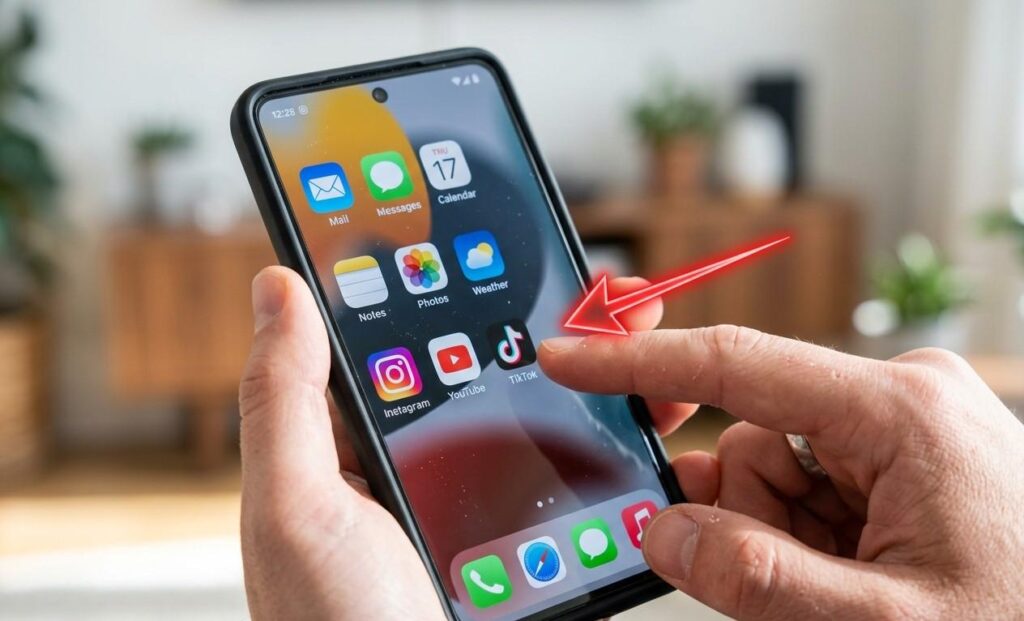
Tap Your Profile: Go to your profile by tapping the profile icon in the bottom-right corner of the screen.

Open Your Story: Find your active story at the top of your profile. Tap it to open and view your story.

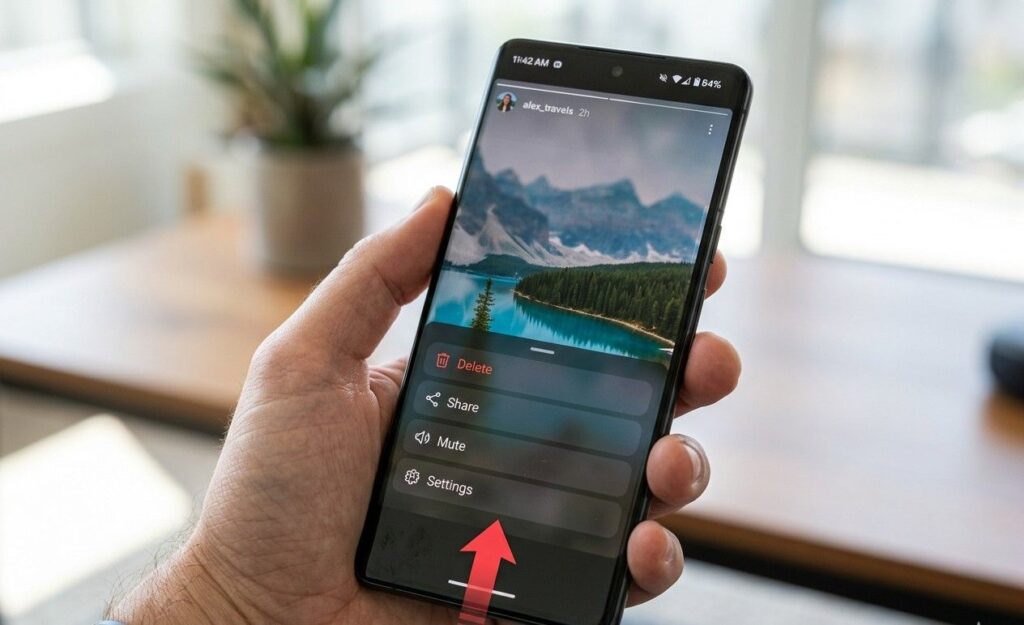
Swipe Up on Your Story: Swipe up on your active TikTok story to open the full options menu. This gives you access to all story actions quickly.
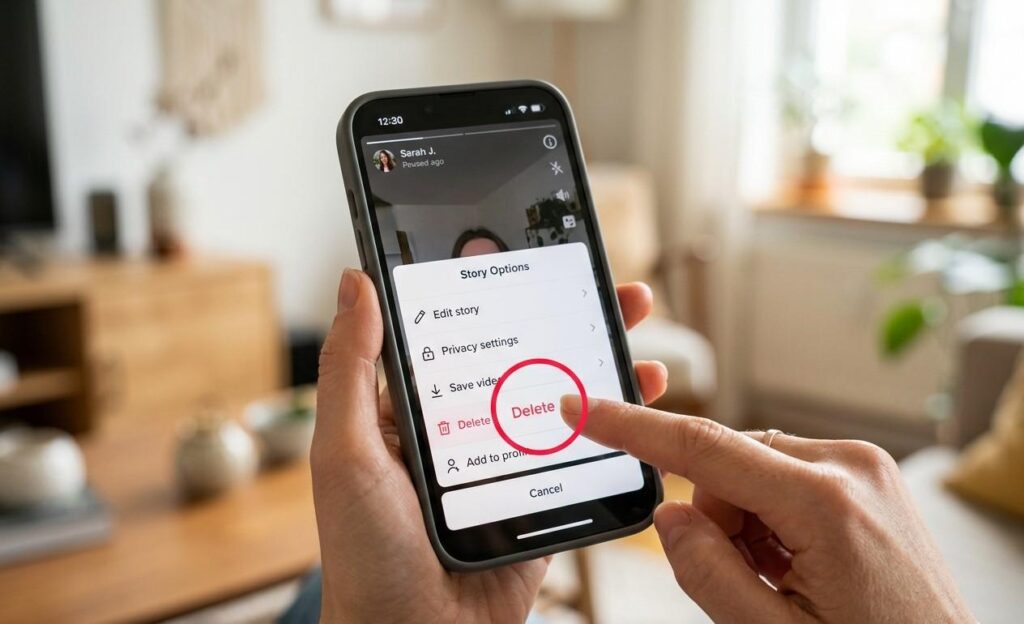
Tap Delete: Tap the “Delete” button and then confirm by tapping “Delete” again. Your story will be removed instantly super quick and easy.
Quick Fix If Delete Option Not Showing
Sometimes the delete option might not appear. Don’t worry these quick fixes will get it back in seconds.
Restart App: Close TikTok completely and reopen it. This refreshes the app and often fixes minor glitches.
Update App: Check the App Store or Google Play for updates. Using the latest version ensures all features work correctly.
Log Out & Log In: Log out of your account and then log back in. This simple step can reset any temporary issues.