
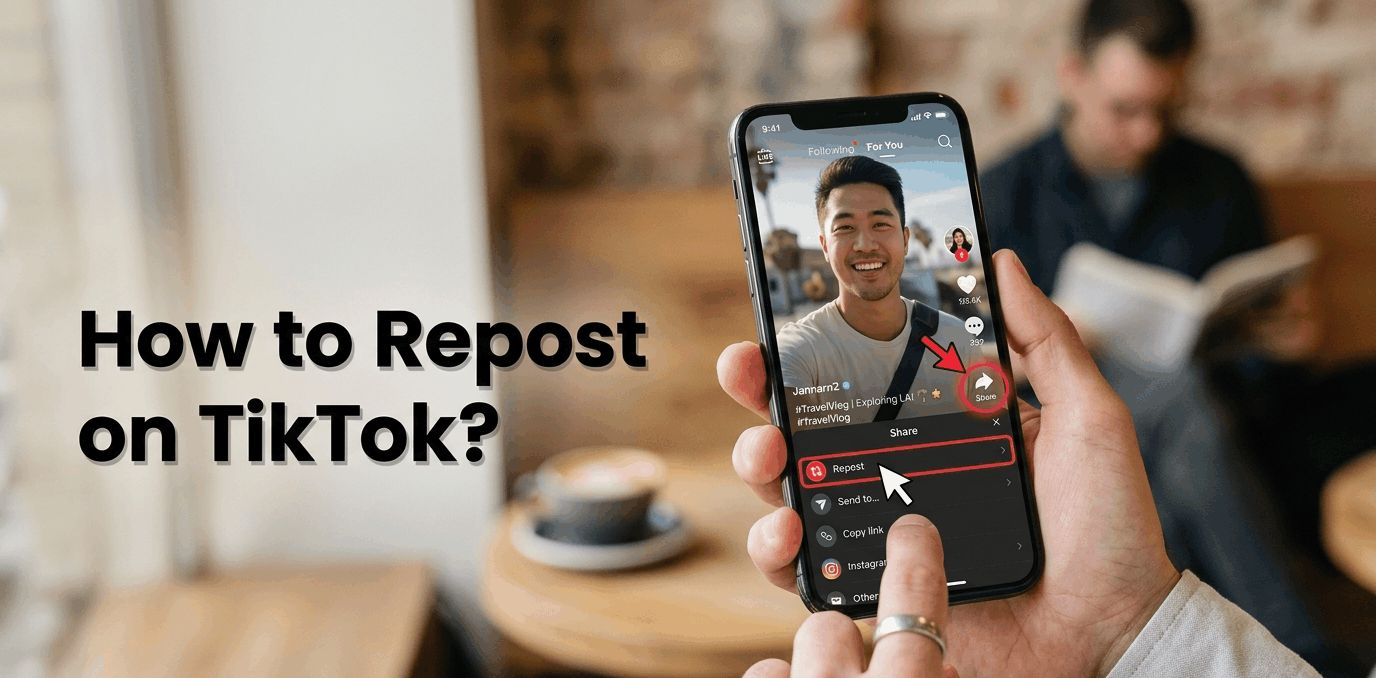
Reposting on TikTok is quick and takes only a few taps. You can easily share any video with your followers in seconds. Follow these simple steps to repost content the right way without any confusion.
How to Repost on TikTok (Step-by-Step Guide) ?
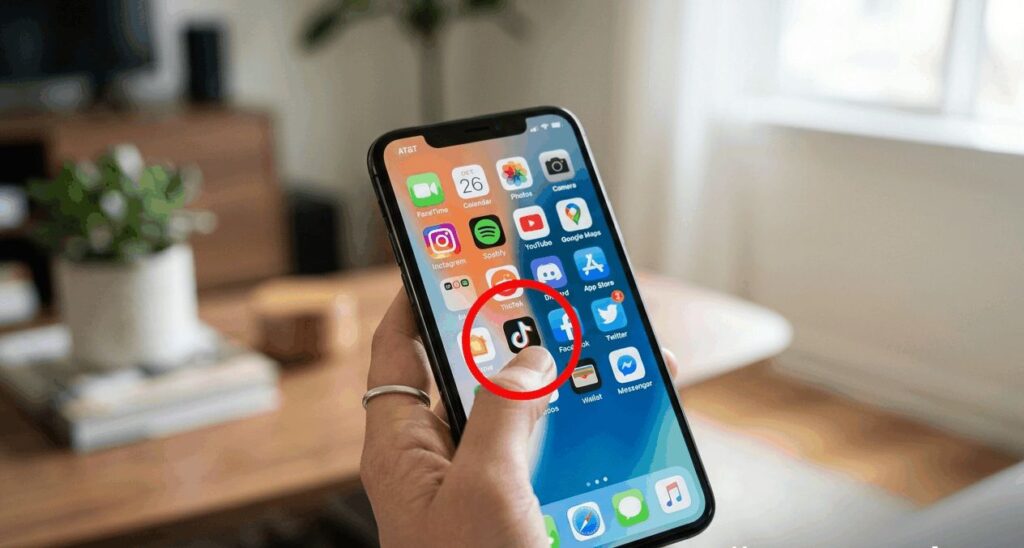
Open the TikTok app:
Launch TikTok on your phone. Make sure you are logged into your account so you can access all features.
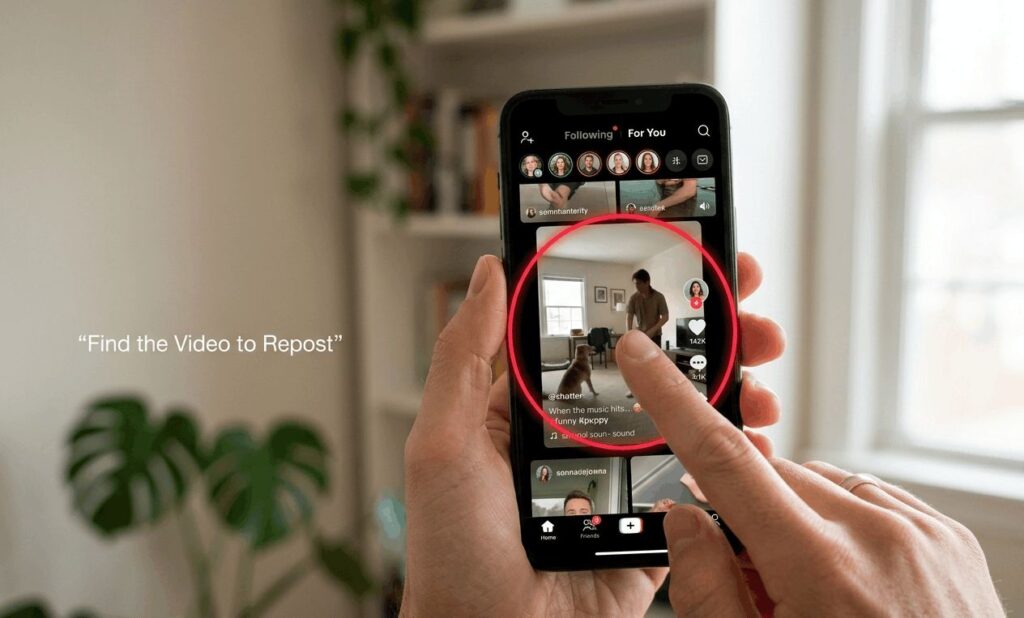
Find the video you want to repost:
Scroll your feed or search for the video you want to share again. Open the video before moving to the next step.
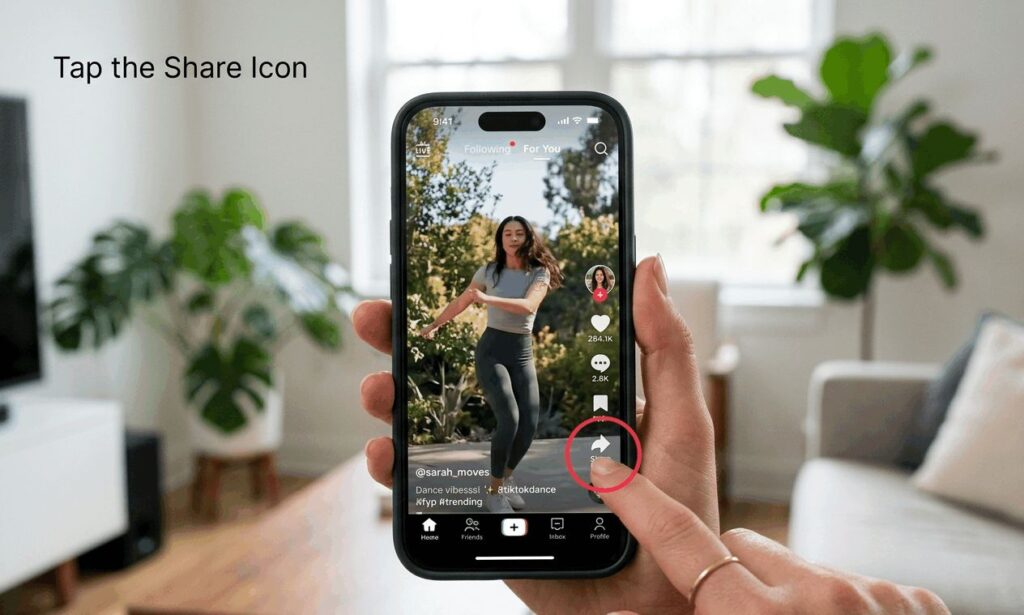
Tap the Share icon (arrow):
On the right side of the video, tap the Share button. It opens sharing options for that video.
Tap “Repost”:
From the menu, select the Repost option. TikTok will instantly prepare the video for sharing.
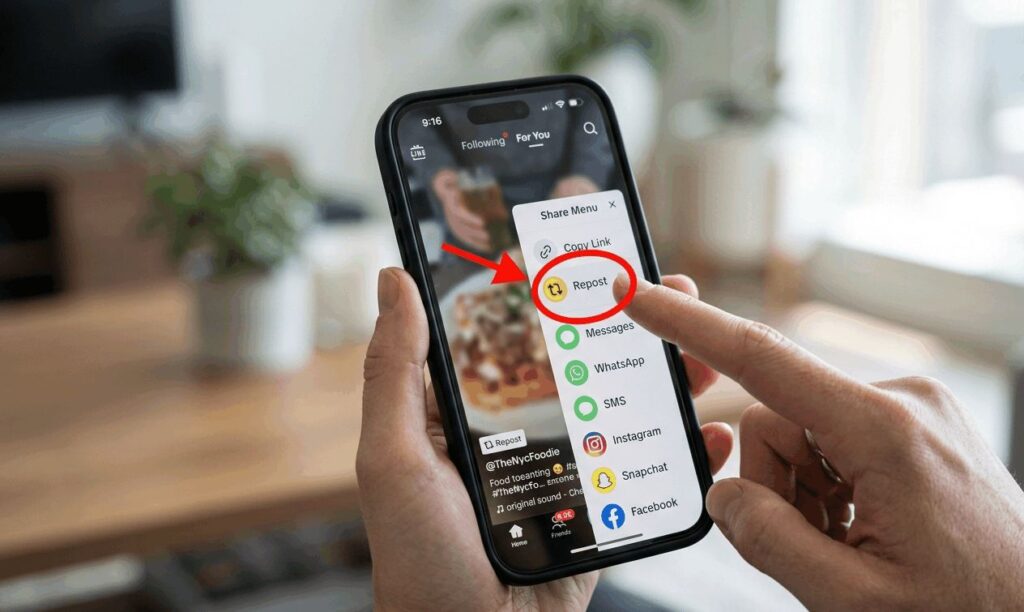
Done the video is now shared with your followers:
The video will now appear in your follower’s feeds as a repost. That’s it, your action is complete.
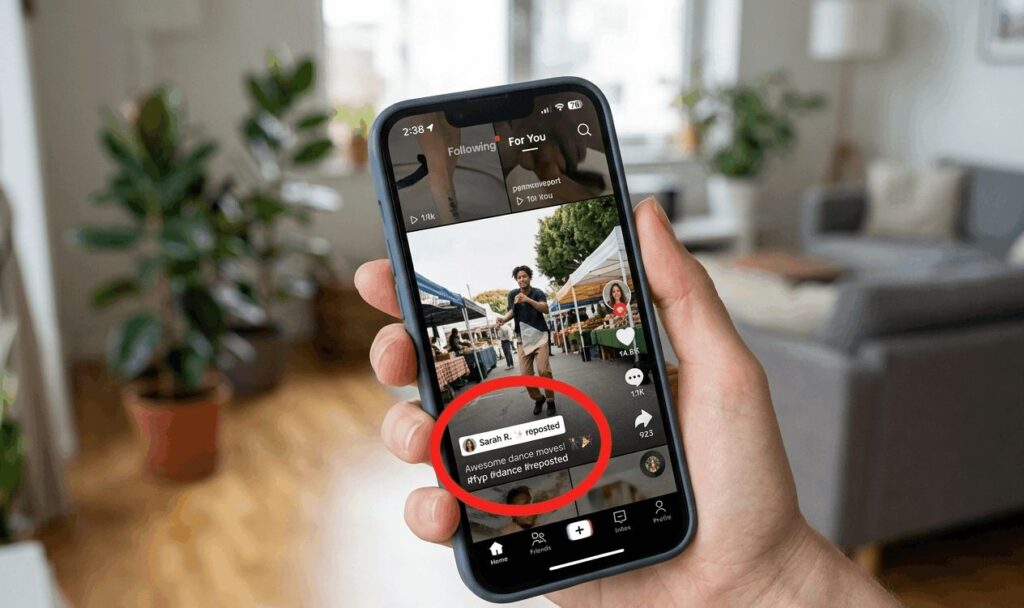
You can repeat the same steps anytime you want to share new videos with your audience.