
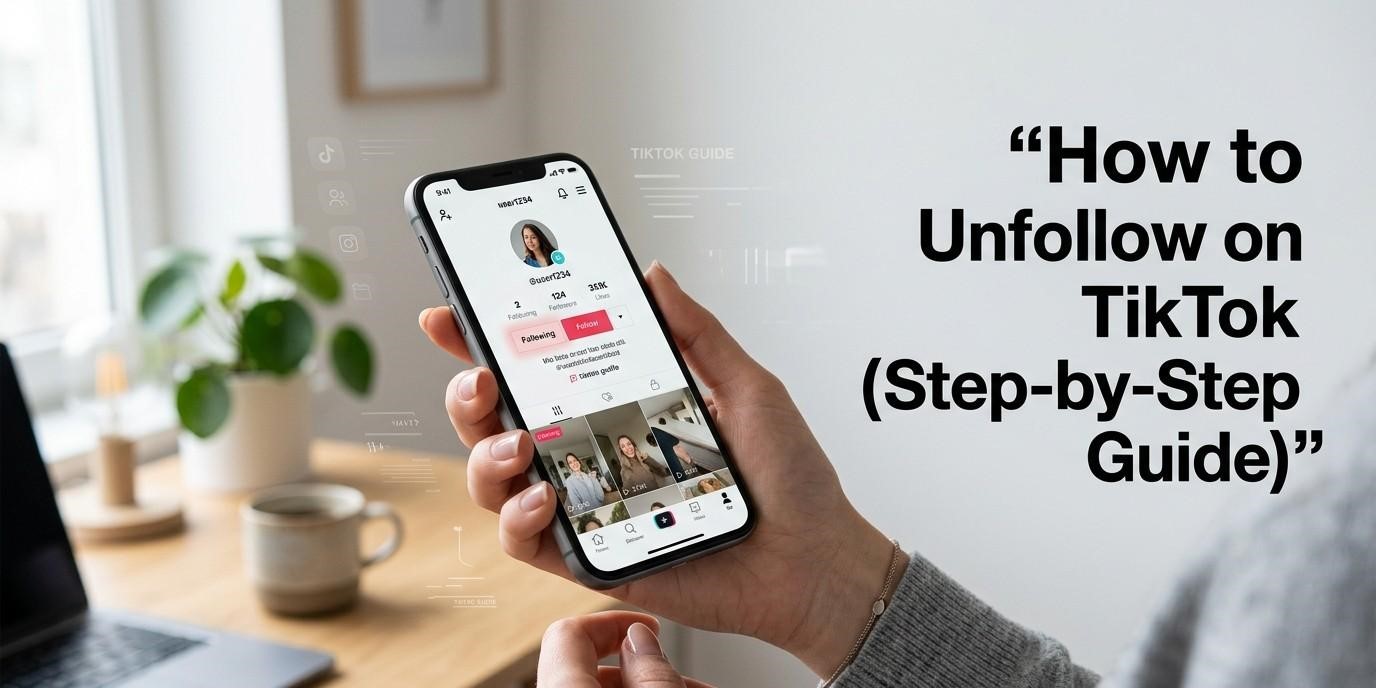
Want to stop seeing someone’s videos on TikTok? You can unfollow them in a few taps. Open their profile and tap the “Following” button. That’s it. Here’s how to do it step by step.
How to Unfollow on TikTok (Step-by-Step Guide)
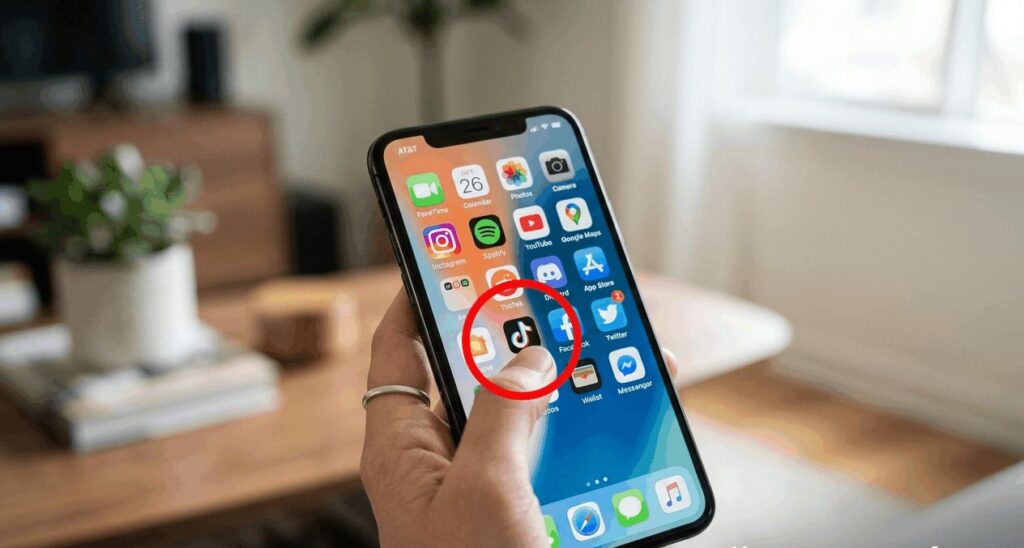
Open TikTok:
Open the app on your phone and make sure you are logged in.
Go to the user’s profile:
Search the user or tap their username from your feed to open their profile.

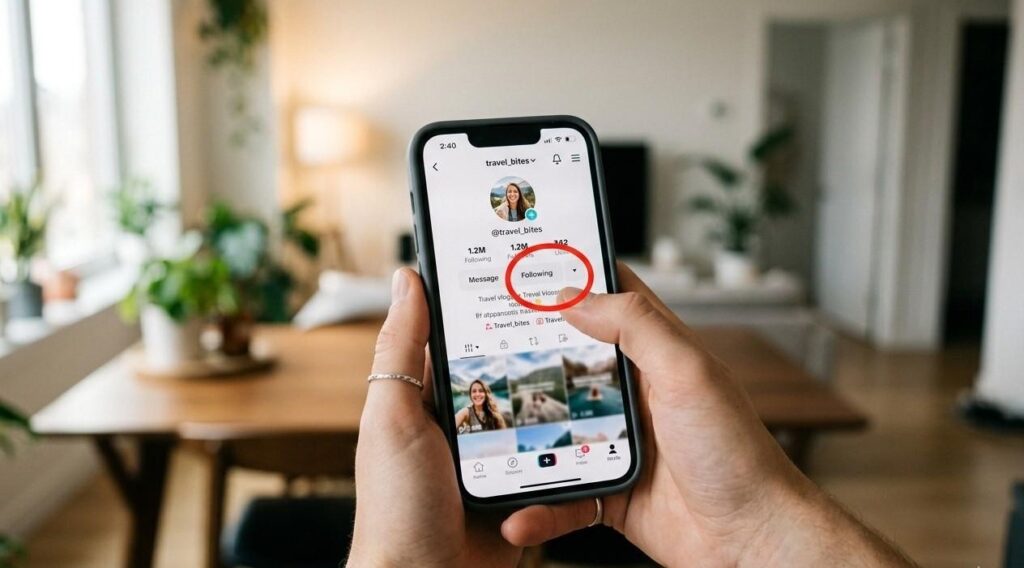
Tap “Following”:
On their profile, tap the “Following” button. It will change once you unfollow.
You have unfollowed the account. Their videos will no longer show in your feed.